MANY. TOOLS.
MERGE.
One workspace for your stack. Install merge and run it from your machine.
Install CLI · requires bun
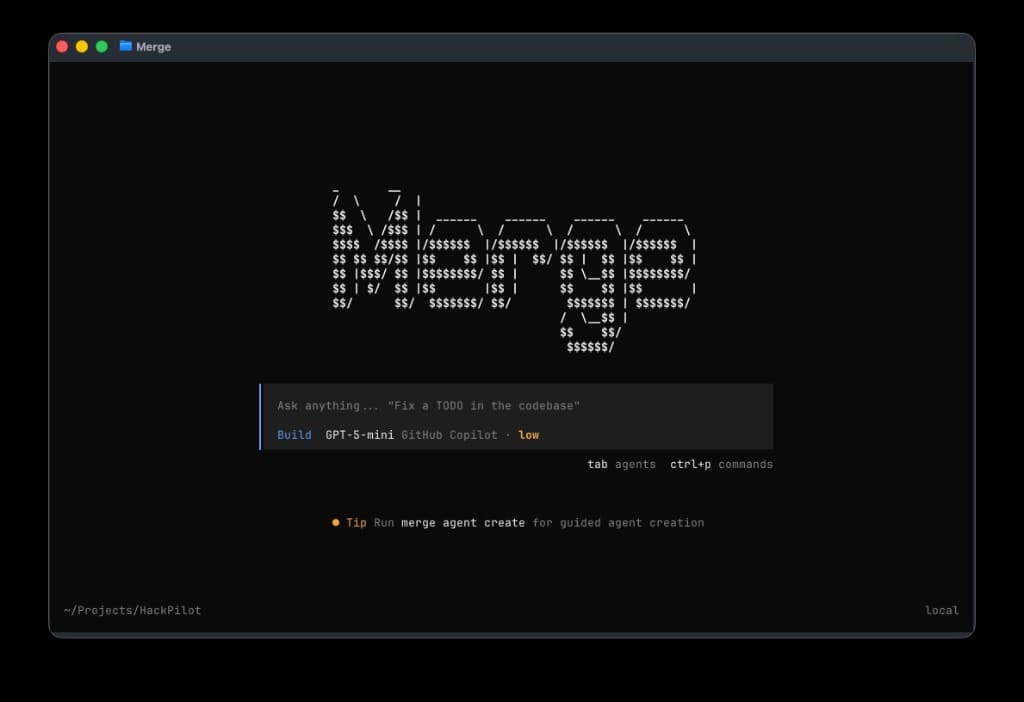
Prompt, status bar, shortcuts
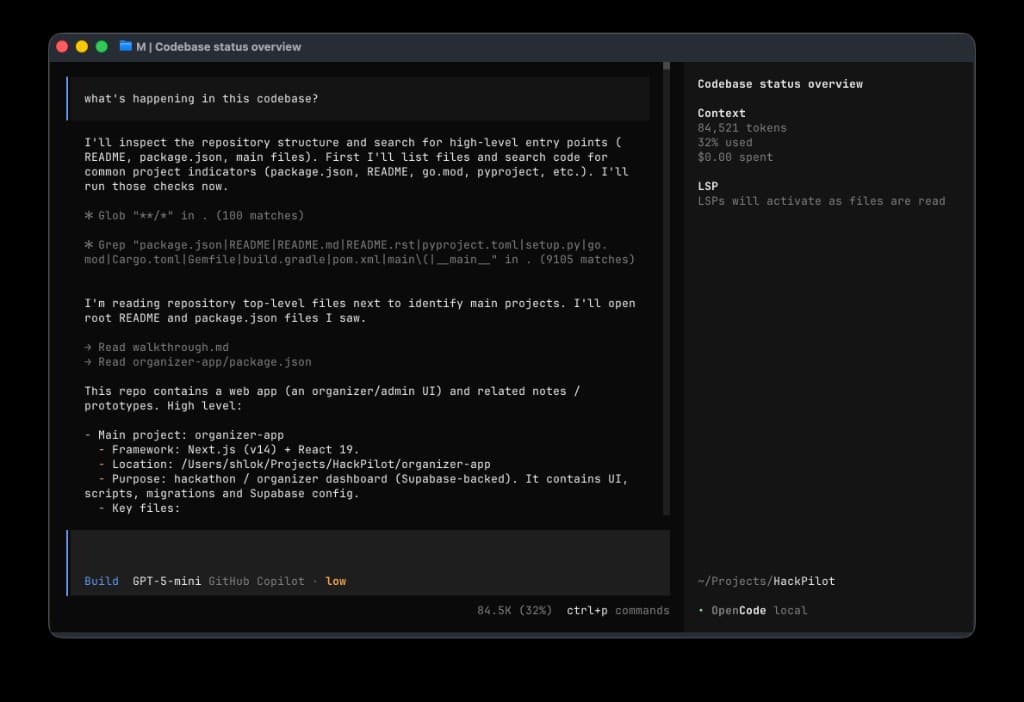
Repo analysis and context
Quick guide
Keyboard
- Ctrl+POpen the command palette
- TabMove focus (agents / UI, where supported)
Providers
- You pick models and providers in the session bar. Nothing auto-switches for you.
Repo
- Context comes from the folder you opened. Same tree as your shell cwd.
What this panel shows
Working directory
Whatever folder you started from. Your root, branch, files.
Session
Local terminal UI. What you see runs against that tree.
Integrations
Hook up Git hosts and tools you already use.
CLI
Run merge --help in a shell for flags and subcommands.
Built for teams who
ship in parallel
Merge sits above your repo and tools. Everyone can see who owns what, which lane is live, and what ships next. Route work across editors, CI, and review without locking the whole team into one vendor.
When the room gets noisy, single-tool flows fall apart. Here handoffs stay visible and merges stay traceable, one thread from idea to production.
Principles
You drive the stack
Pick models and providers in the session bar. We do not switch them for you.
Repo-first context
What you opened is what you get. Same tree you would use in a shell.
Parallel without chaos
Handoffs from idea to merge stay on one thread your team can read.